PRESS KIT
Everything you need to write about Clarity
Screenshots, facts and copy — free to use, no permission needed
IN ONE LINE
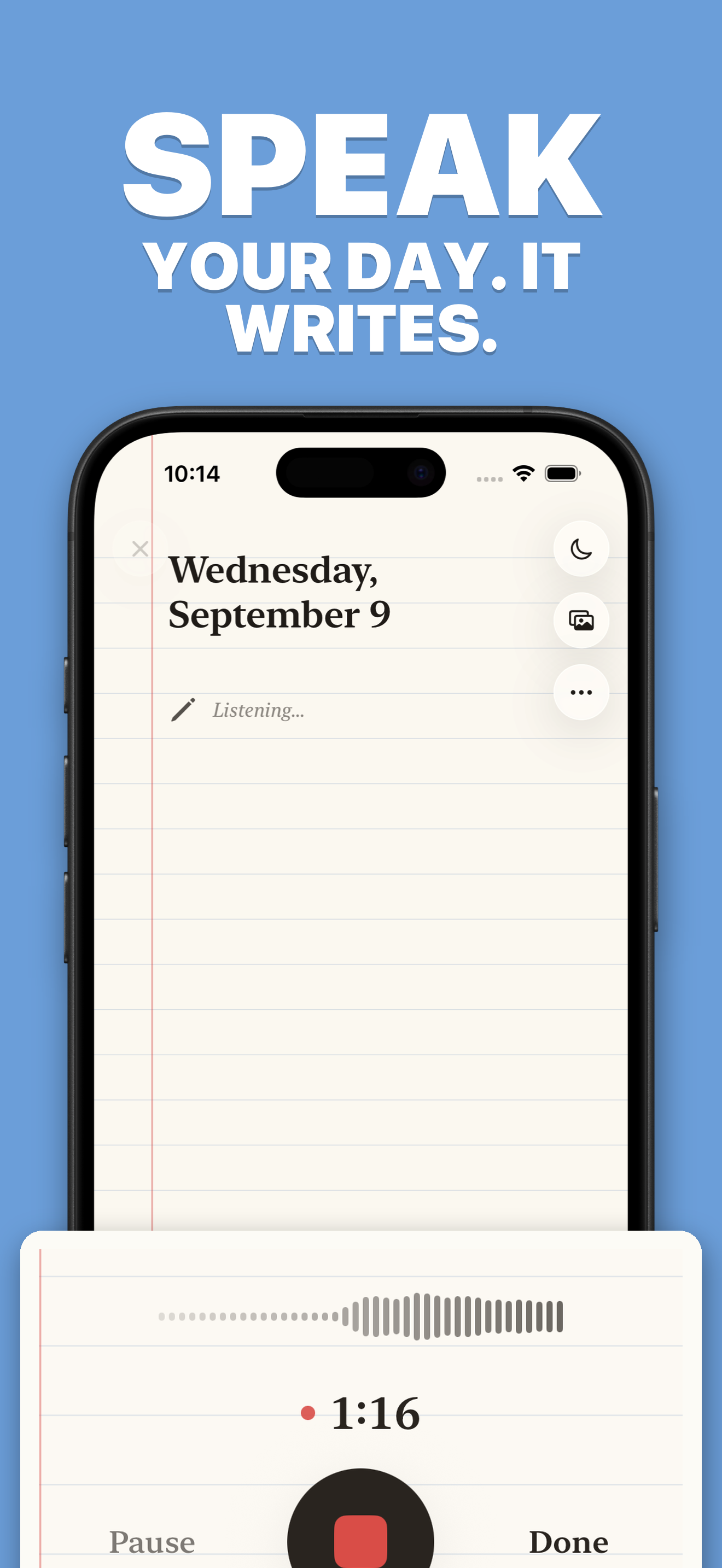
Clarity is a voice journal for iPhone. You speak; it becomes a written page in your own words.
IN A PARAGRAPH
Most journalling apps ask you to type. Clarity asks you to talk. You speak for a minute or two, and the app turns the recording into a dated page you can read back — the audio and the writing held together as one artifact rather than a file and a transcript. It is built for people who think faster than they write, and who have tried keeping a journal and quietly stopped.
THE LONGER VERSION
Clarity began as a pile of voice memos. Speaking slows you down in a way typing does not — you cannot edit as you go, and you cannot perform. But voice memos are buried and unlistened to, so the recordings never became anything.
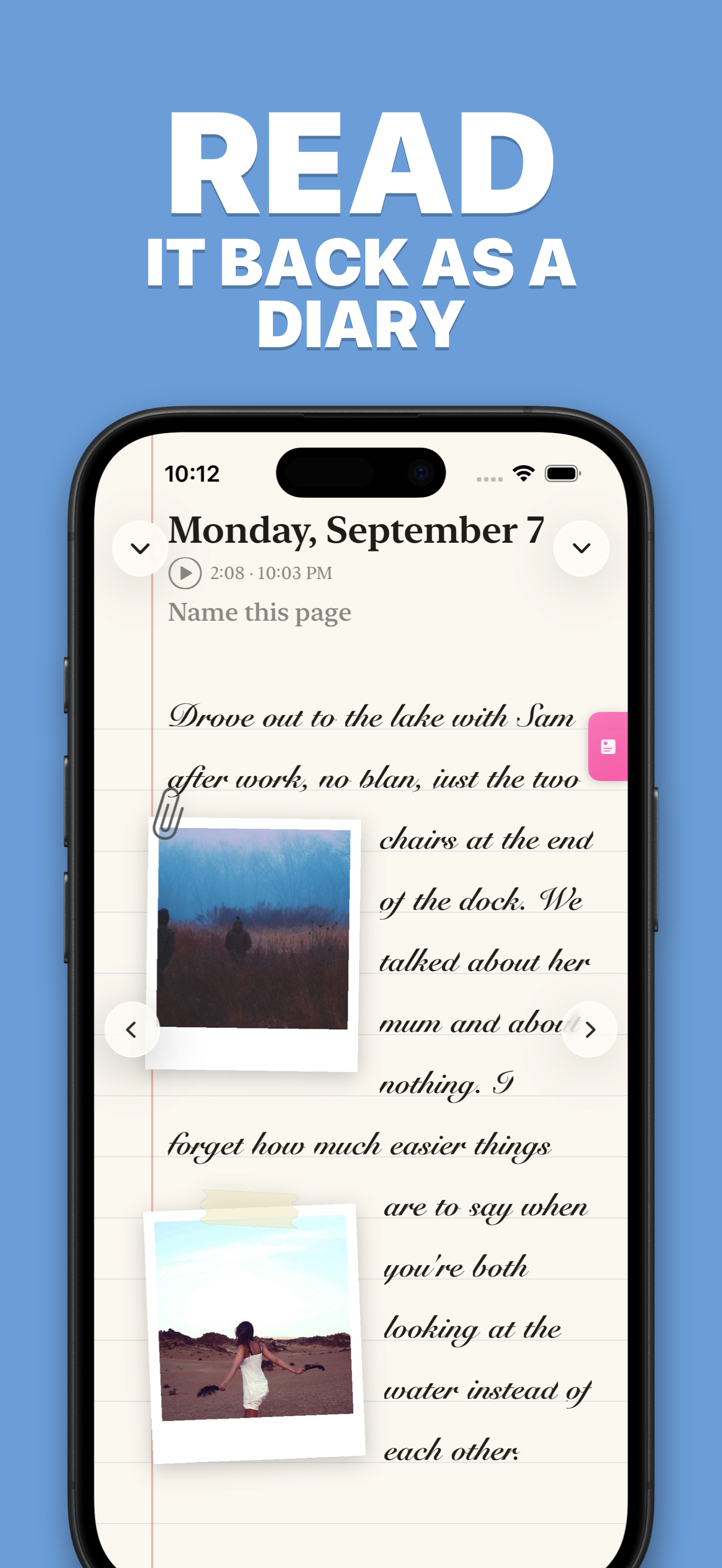
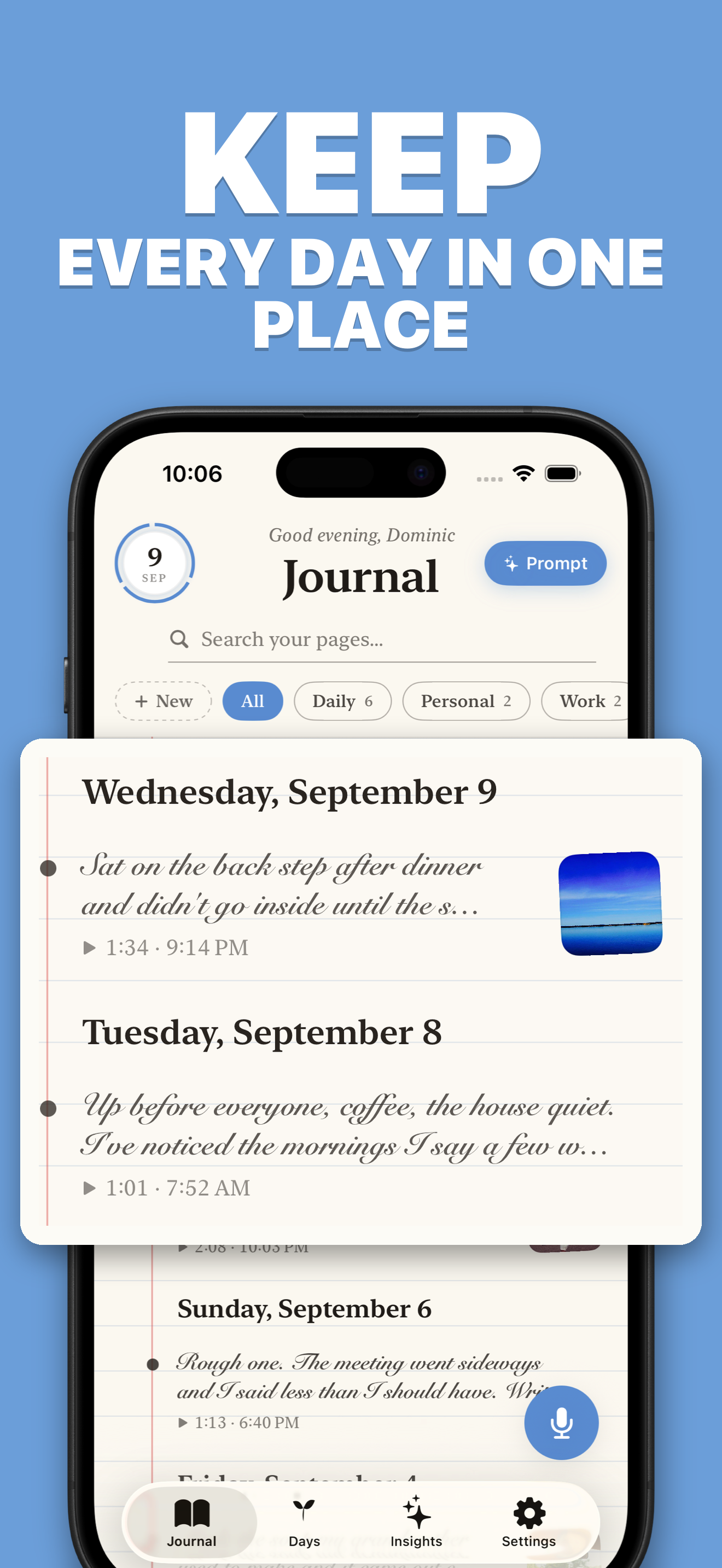
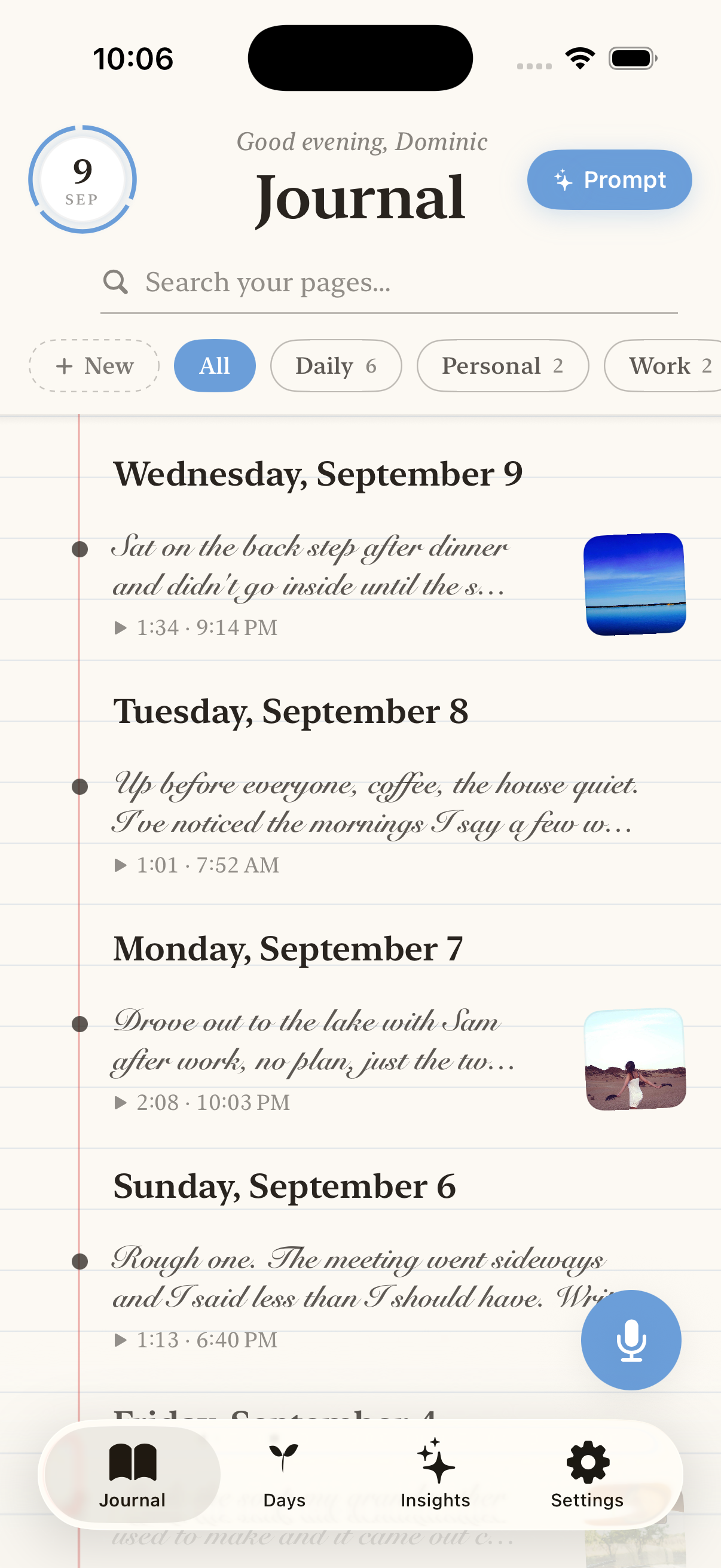
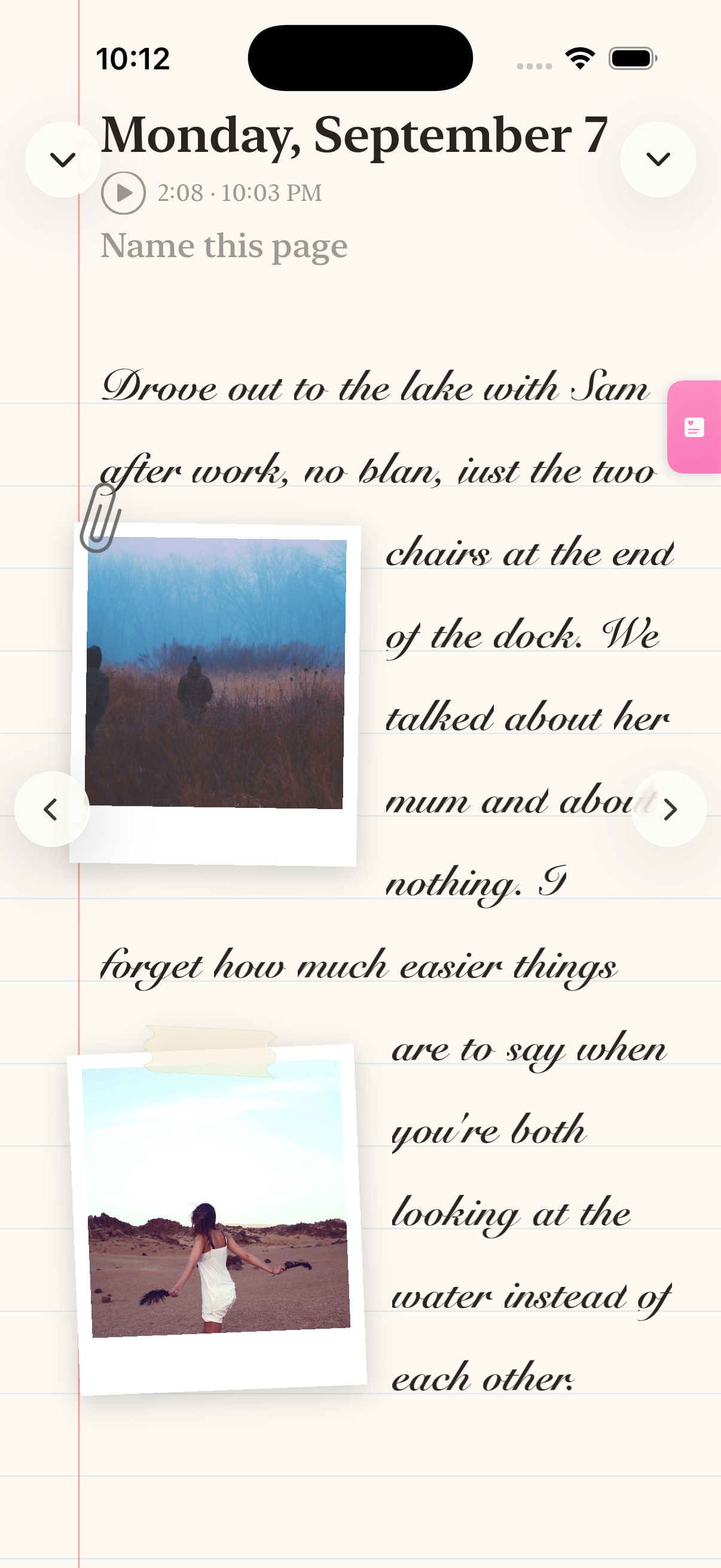
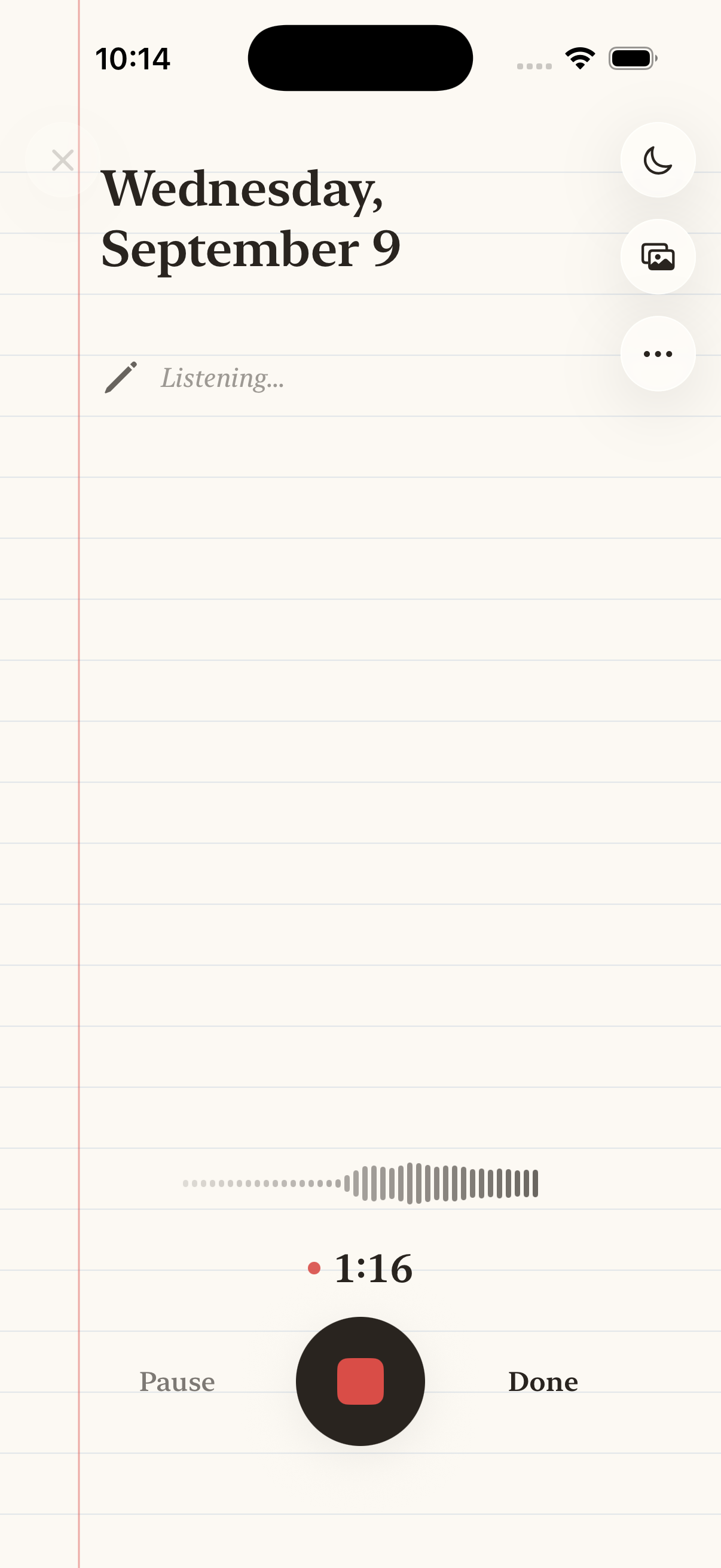
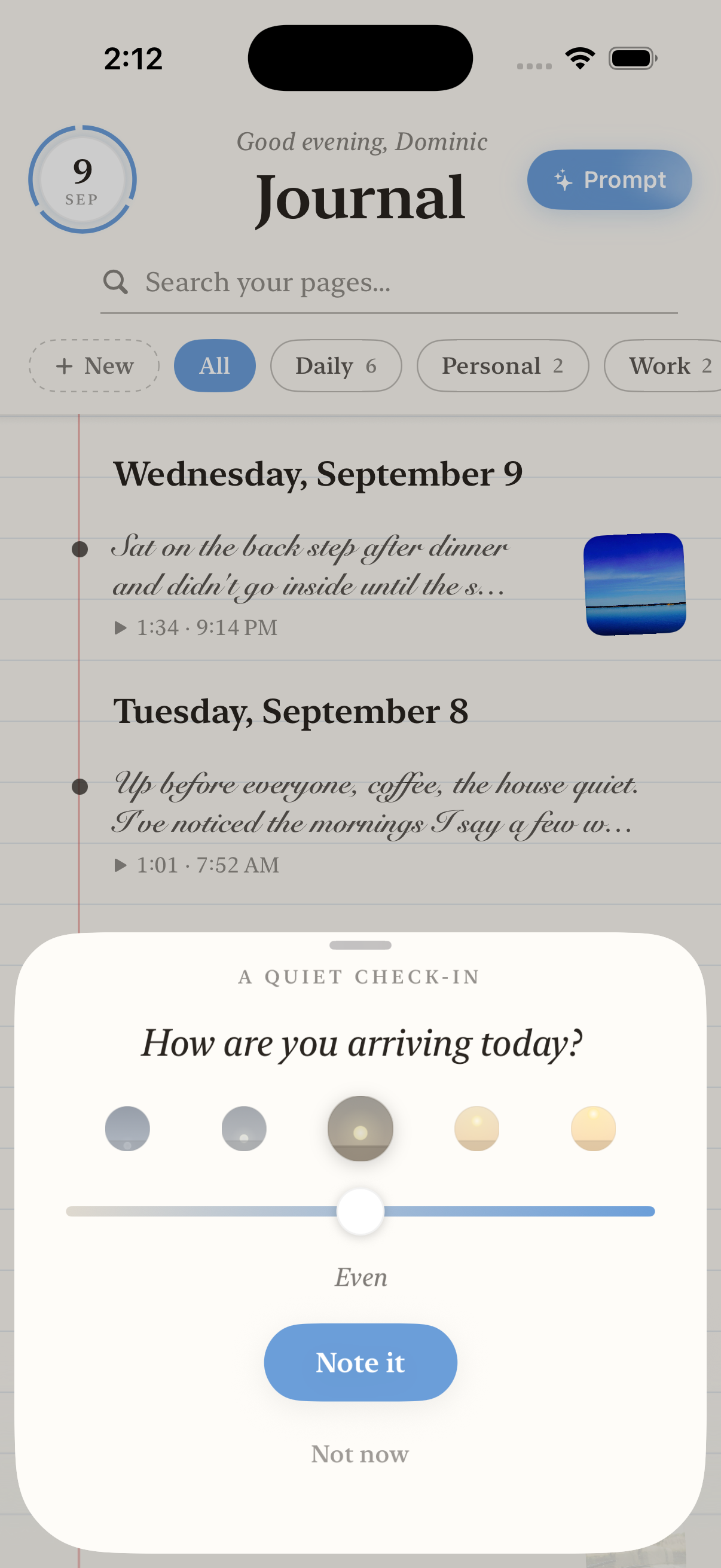
The app turns each recording into a diary page: the date as the headline, your words as the body in a handwritten face, a small play control. Photos and video land on the page as polaroids you can move. Everything is written to the device first, so the network is never in the way of capturing a thought.
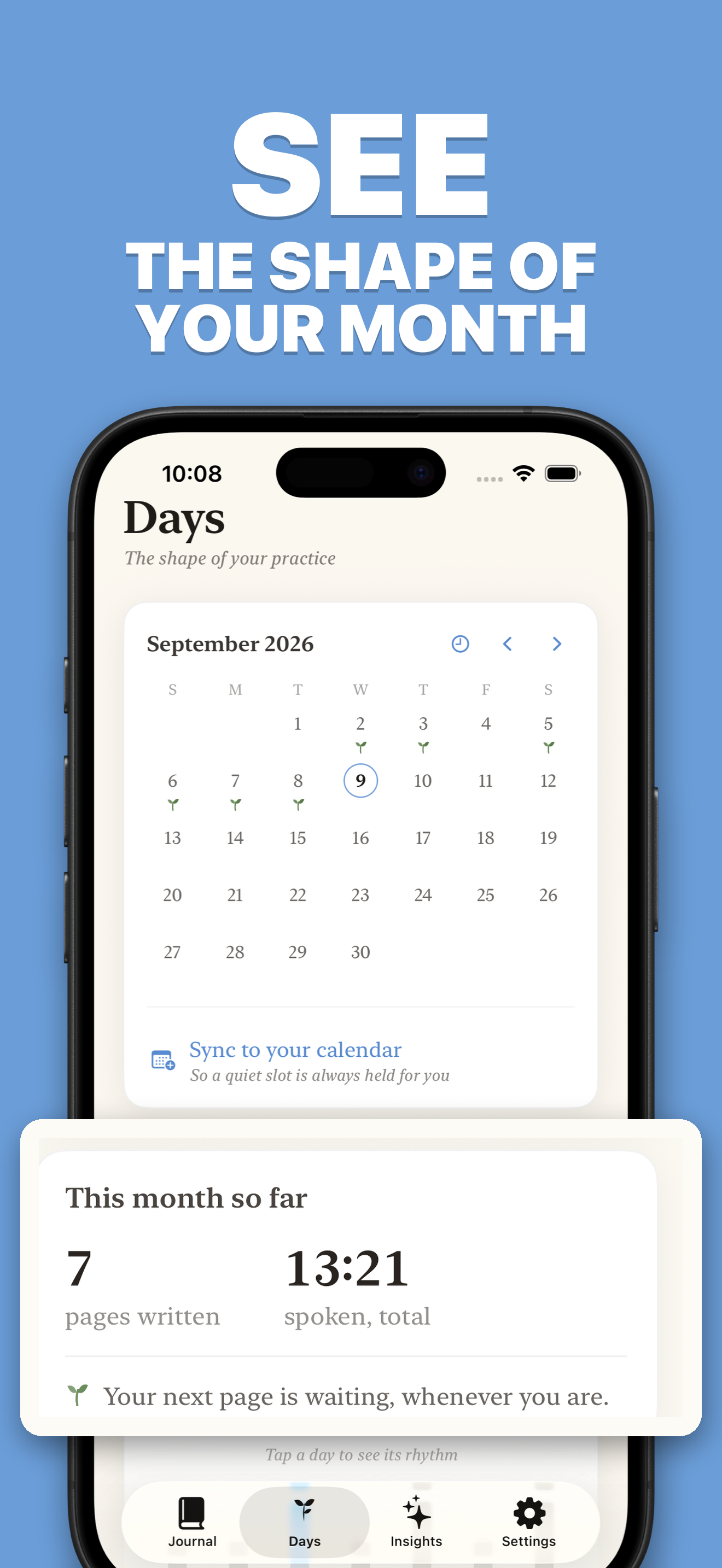
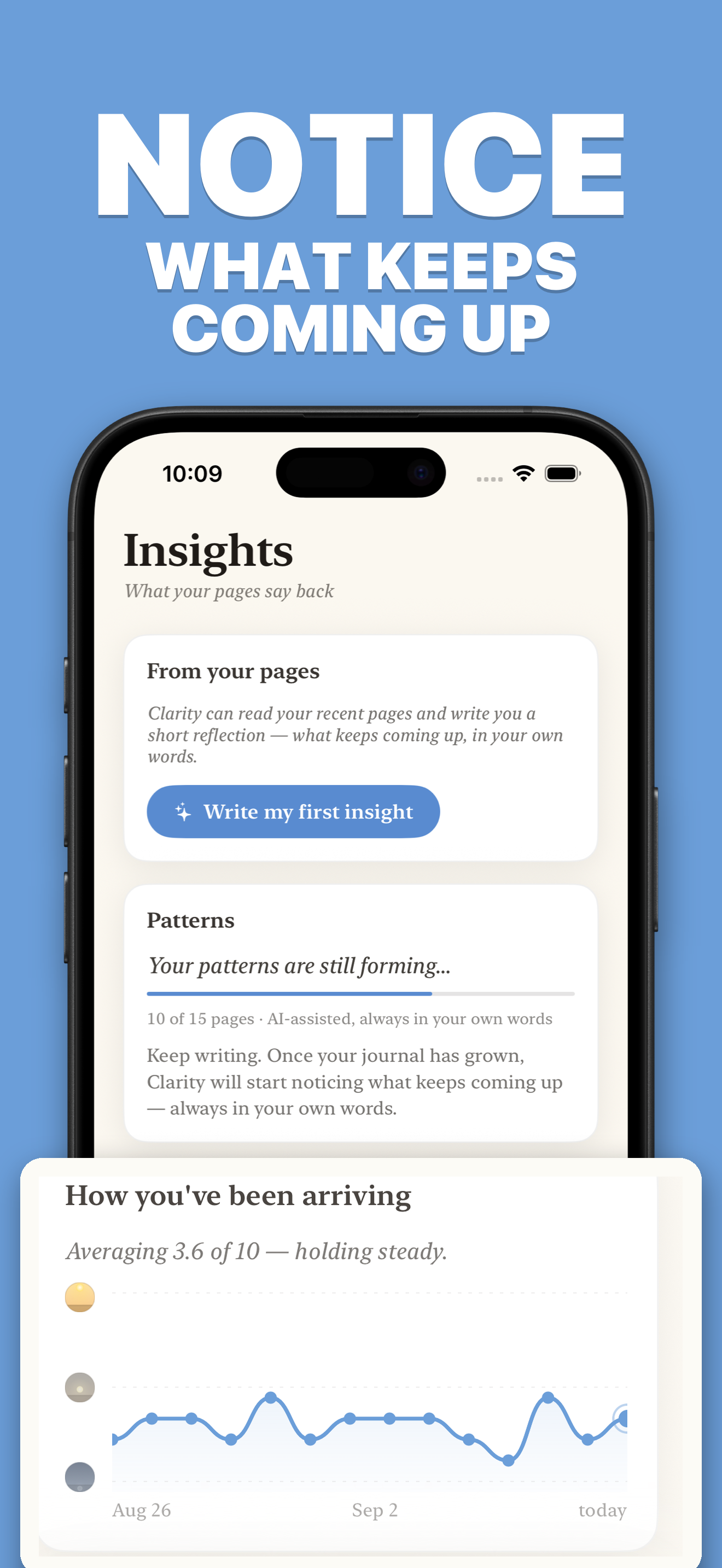
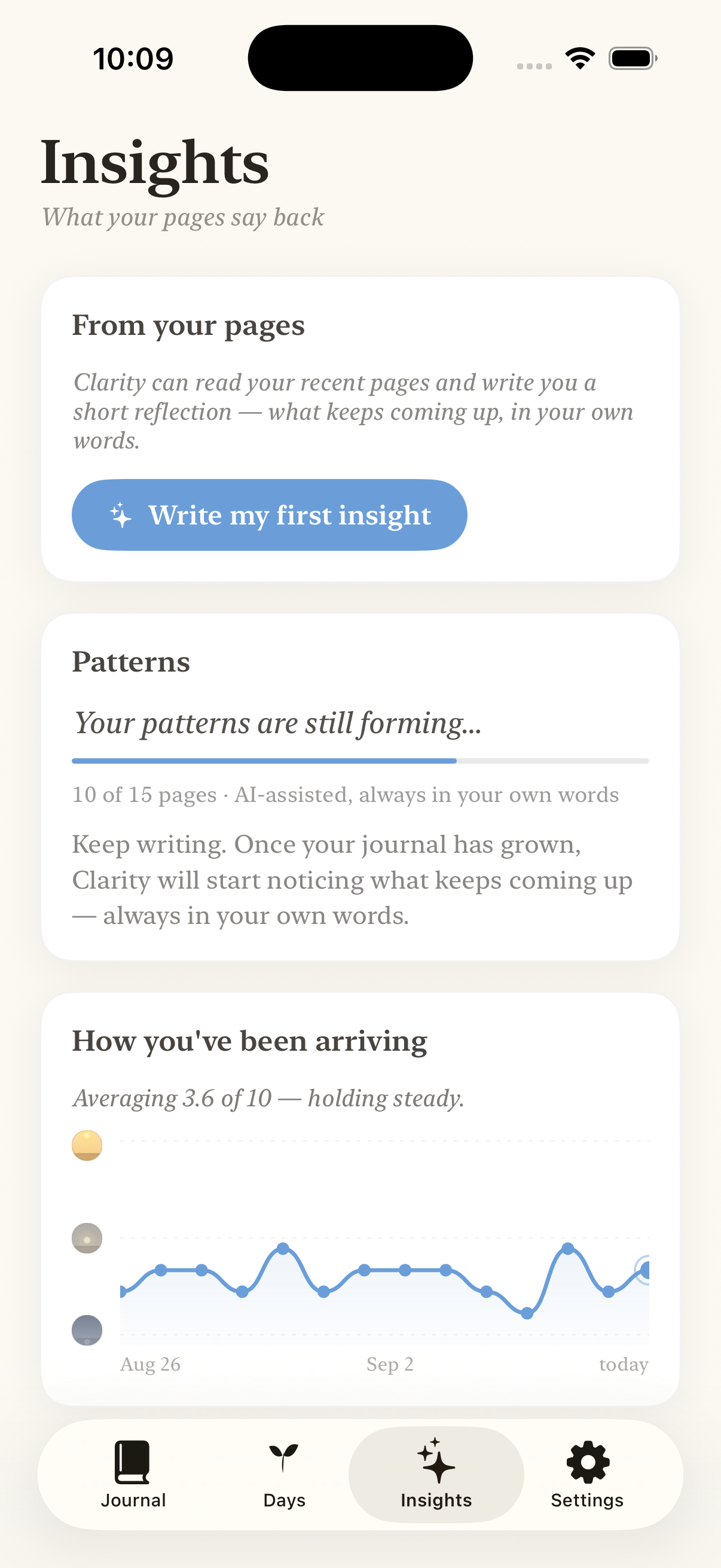
Clarity deliberately does not put an AI summary on every entry. Reading a paragraph of machine commentary on a ninety-second clip is the horoscope failure mode, and it was removed rather than polished. What the app does instead is wait: patterns surface over dozens of entries, anchored to the reason you said you were journalling in the first place, and every claim links back to your own words.
FACT SHEET
| App | Clarity — Speak Your Day Diary |
|---|---|
| Developer | Relentless Forge |
| Platform | iPhone, iOS 26 and later |
| Released | 22 July 2026 |
| Price | Free to download. Seven-day trial, then $49.99 a year or $9.99 a month. |
| Languages | English, German |
| App Store | apps.apple.com/app/id6751060018 |
| Website | recordwithclarity.com |
| Press contact | hello@recordwithclarity.com |
SCREENSHOTS
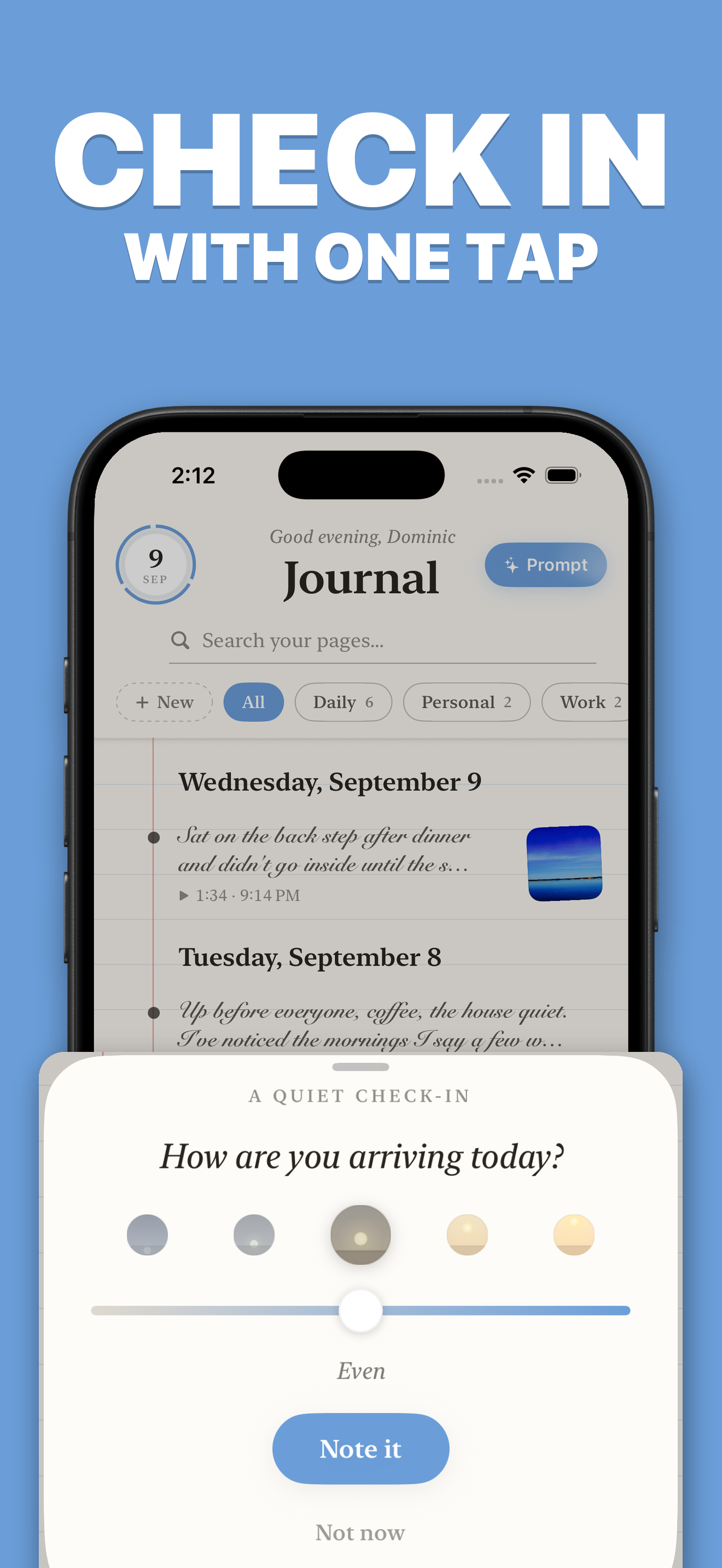
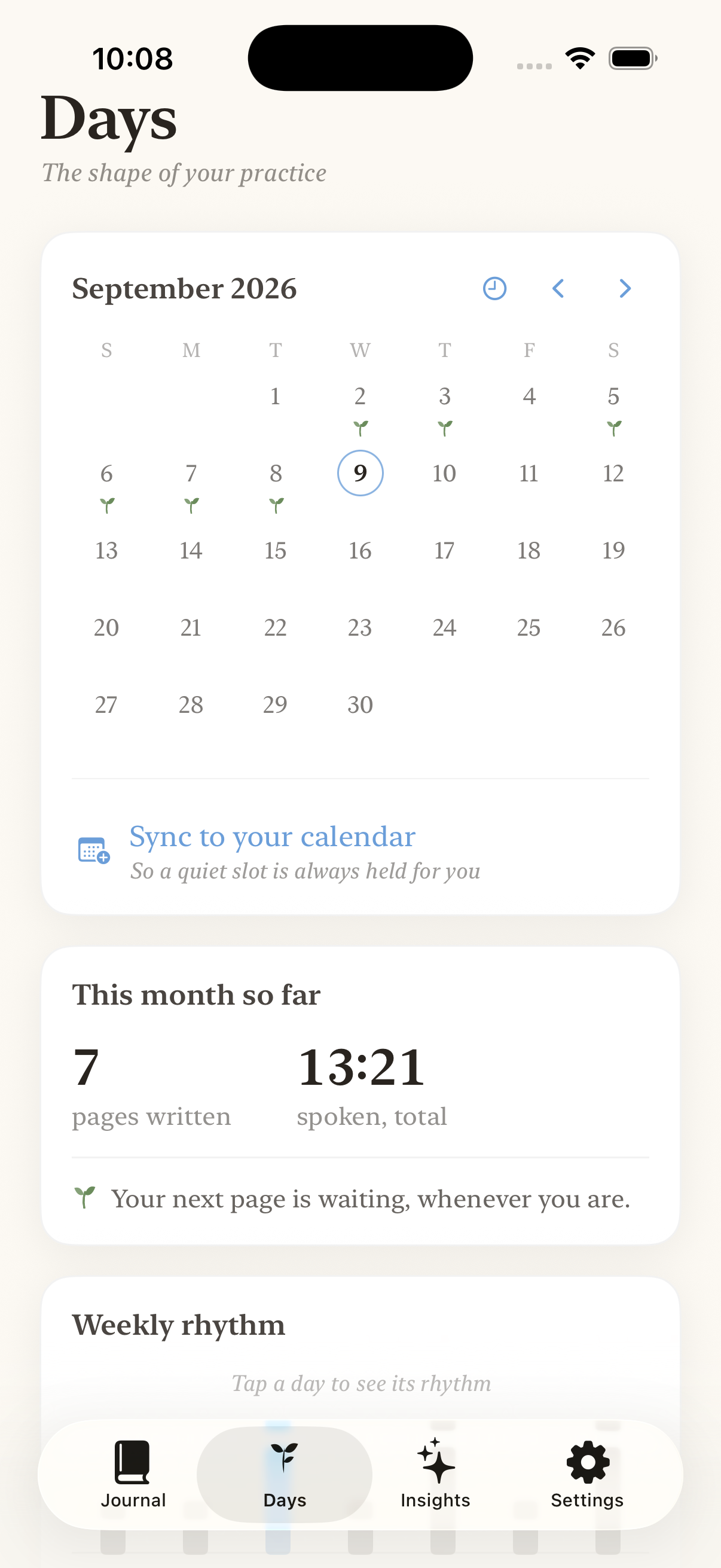
The App Store set, at full resolution. Click any image for the original file.
CLEAN INTERFACE SHOTS
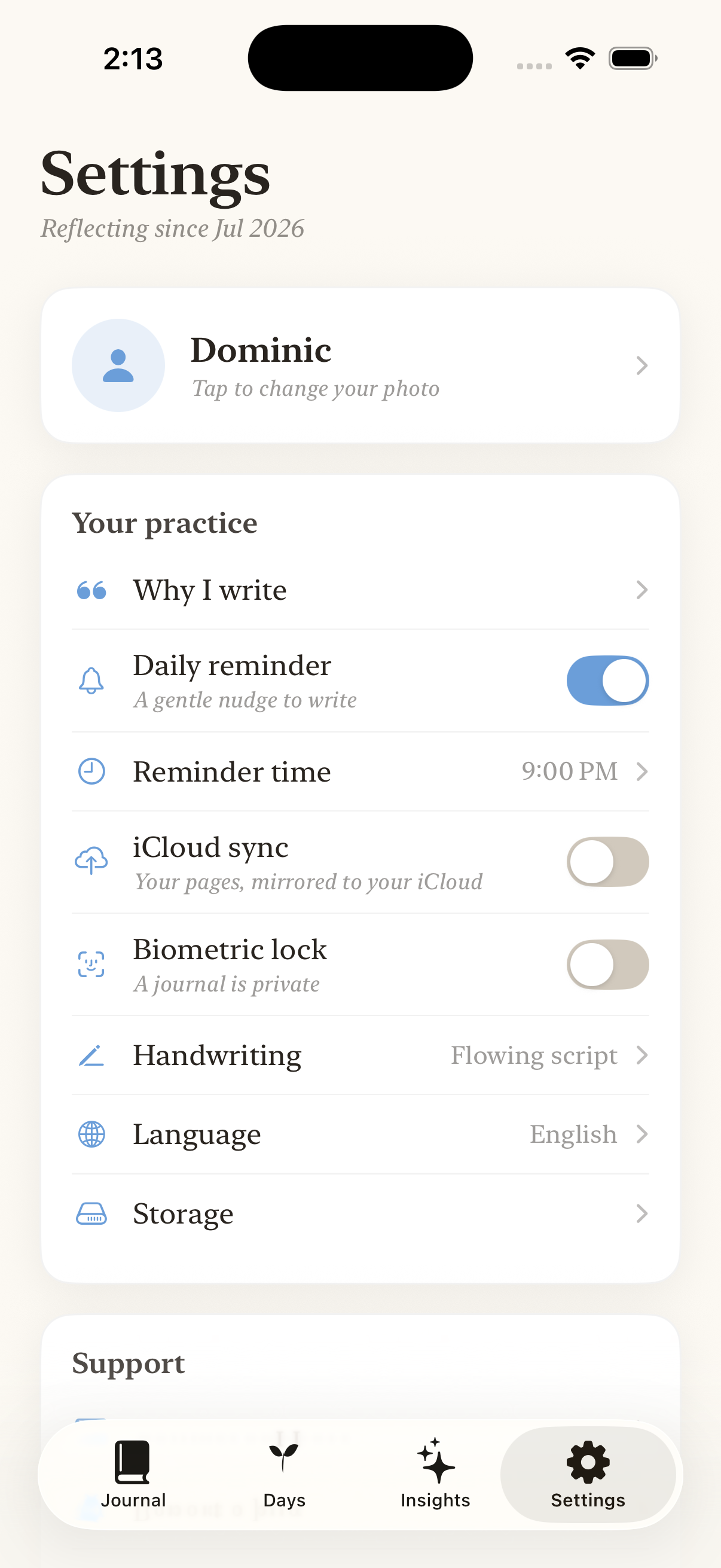
The same screens without marketing copy, for anyone who would rather crop their own.
DOWNLOADS
The archive holds the app icon at 1024px, the six App Store screenshots and the seven clean interface shots.
WHO MADE IT
Dominic Ndondo
Clarity is built by one person. Dominic started recording voice memos because journalling by hand never stuck, then built the app he wanted: something that would hold those recordings the way a good notebook holds entries. He writes about the thinking behind it on the Journal.
USING THESE
Every asset on this page may be used in articles, reviews, videos and newsletters about Clarity, without asking first and without a fee. Please do not alter the app icon or present the screenshots as your own work.
Want a review copy, a different screen, a specific size, or a quote for a piece? Email hello@recordwithclarity.com and you will hear back the same day.